
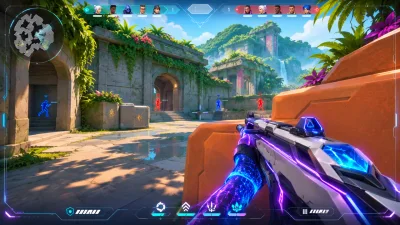
Valorant ESP Guide: Player, Agent and Spike Visuals
A clear guide to the player and world visual controls listed for Valorant Cheats, including distance, labels and spike timing.
Valorant visual controls are easier to use when they are separated by purpose. Player visuals help you read opponents, while world visuals cover abilities, traps and the spike.
Player visuals
The player section includes boxes, snaplines, view direction, skeletons, head circles and distance labels. Health, shield, agent, rank, equipment name and level can also be shown when you need more context.
World visuals
World options focus on abilities, traps and the spike. The listed controls include an icon, distance, maximum distance, defuse progress and remaining time.
Build a readable layout
Start with only the information you need. A short maximum distance and a smaller label set keep the screen easier to scan. Save the result as a configuration so you can return to it after testing.
Next step
Review the Valorant Cheats product page for the complete feature list and the support page if a setting needs clarification.